
Introducing Battery Guard 8.X
Smarter insight. Stronger performance.
Battery Guard 8.X brings intelligence to every connection, delivering visibility, safety, and control.
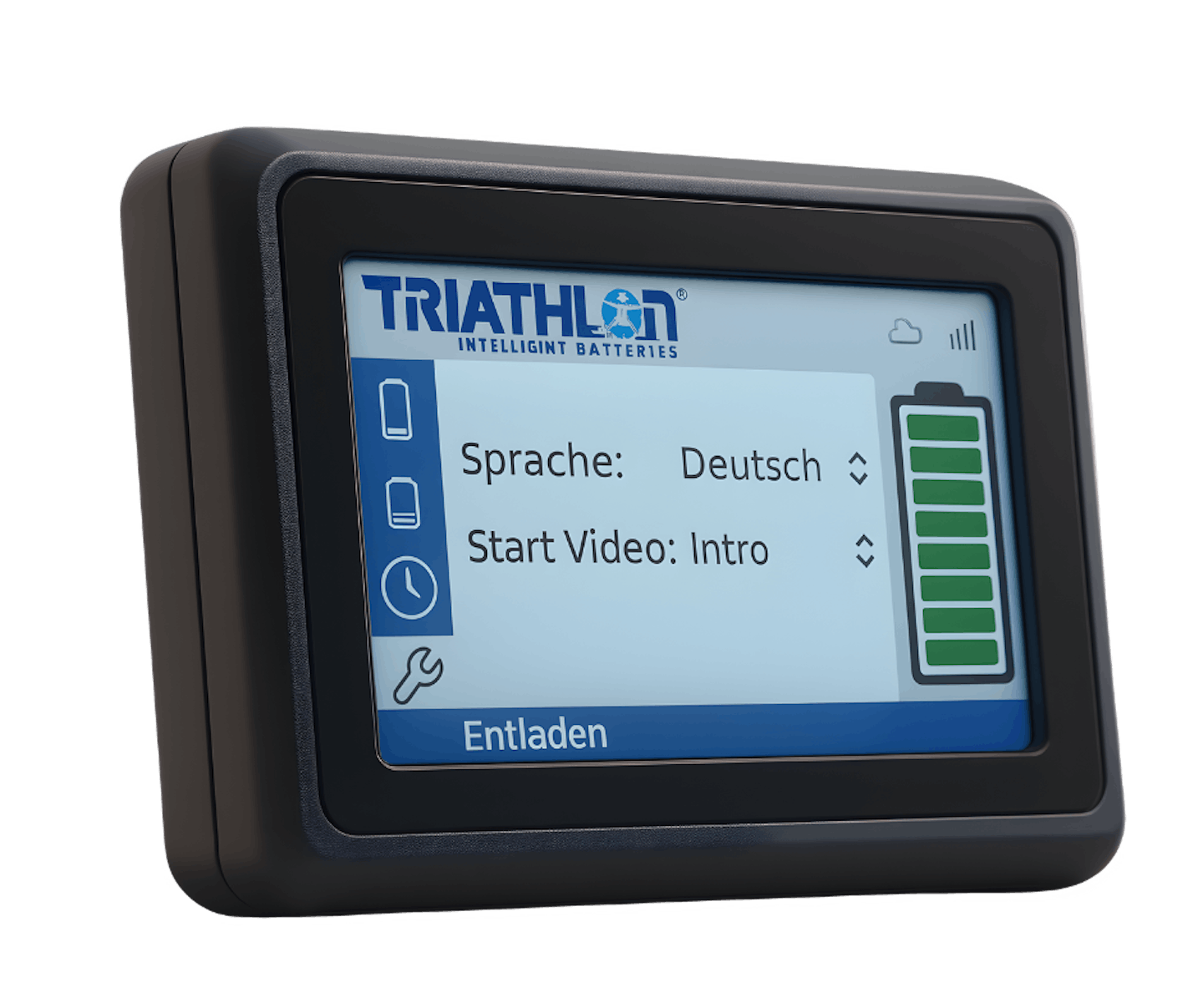
Battery Guard 8.X
Discover the key benefits that set our technology apart:
-
Smart connectivity
Seamless cloud connection for real-time insights and control
-
Future-proof software
Always up to date with intelligent over-the-air updates.

-
Robust & intuitive
Durable design meets intuitive, multilingual operation.

-
ion guard integration
Instant data sync with the ion Battery Guard platform.

-
Intelligent fleet tools
Actionable insights that boost efficiency and longevity.

Discover the key benefits that set our technology apart:
Connect. Monitor. Evolve. Data that drives progress. Control that inspires confidence.

10 V – 58 V (nominal 12 V)
Supply voltage range
8 W (incl. charging)
Power input
IP54 compliant
Ingress protection
CE, UKCA & FCC
Certifications
Connected Intelligence for Your Fleet. Real-time monitoring and diagnostics through the ion Battery Guard platform with advanced touchscreen control.
Technical documentations
Integrate with other solutions
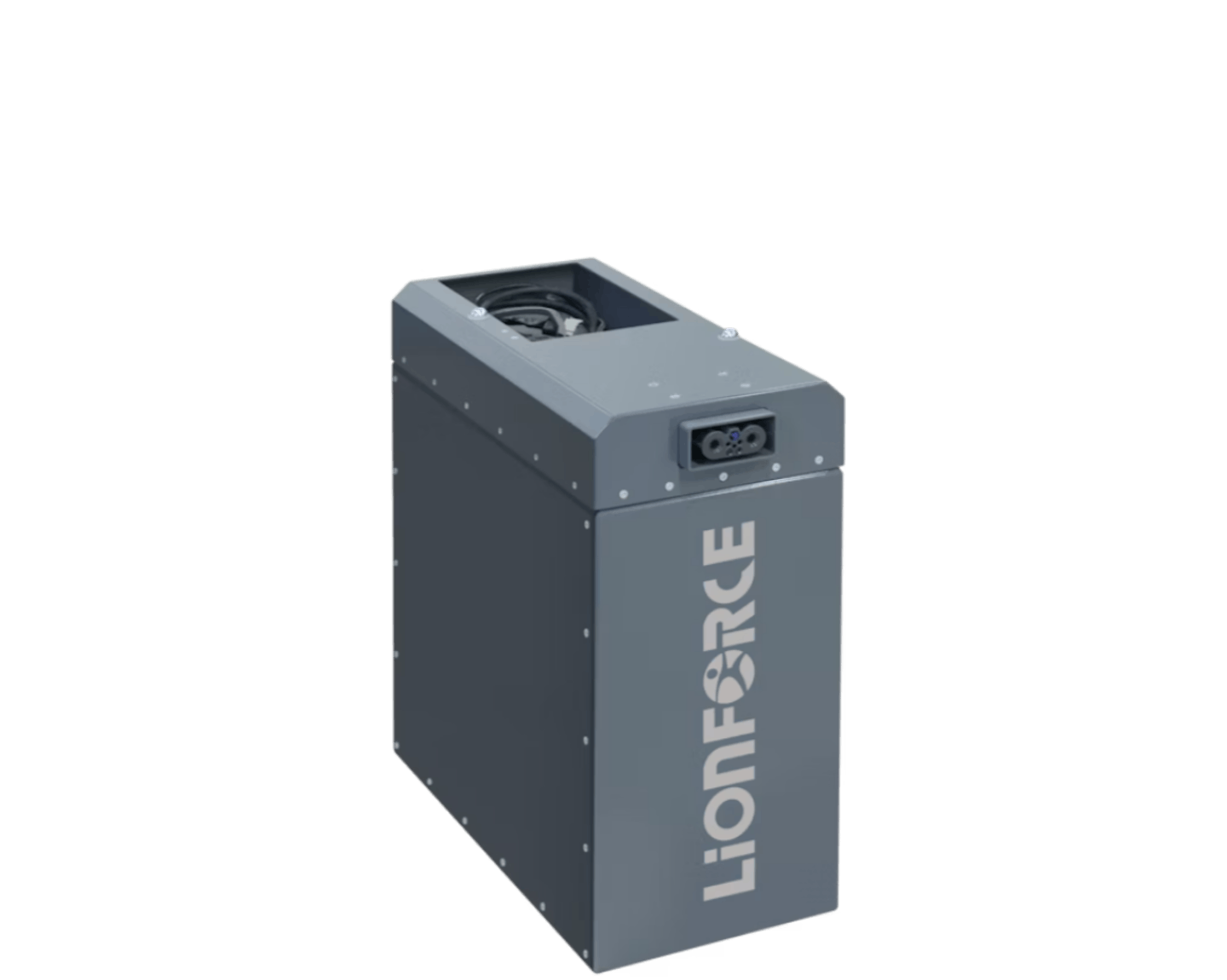
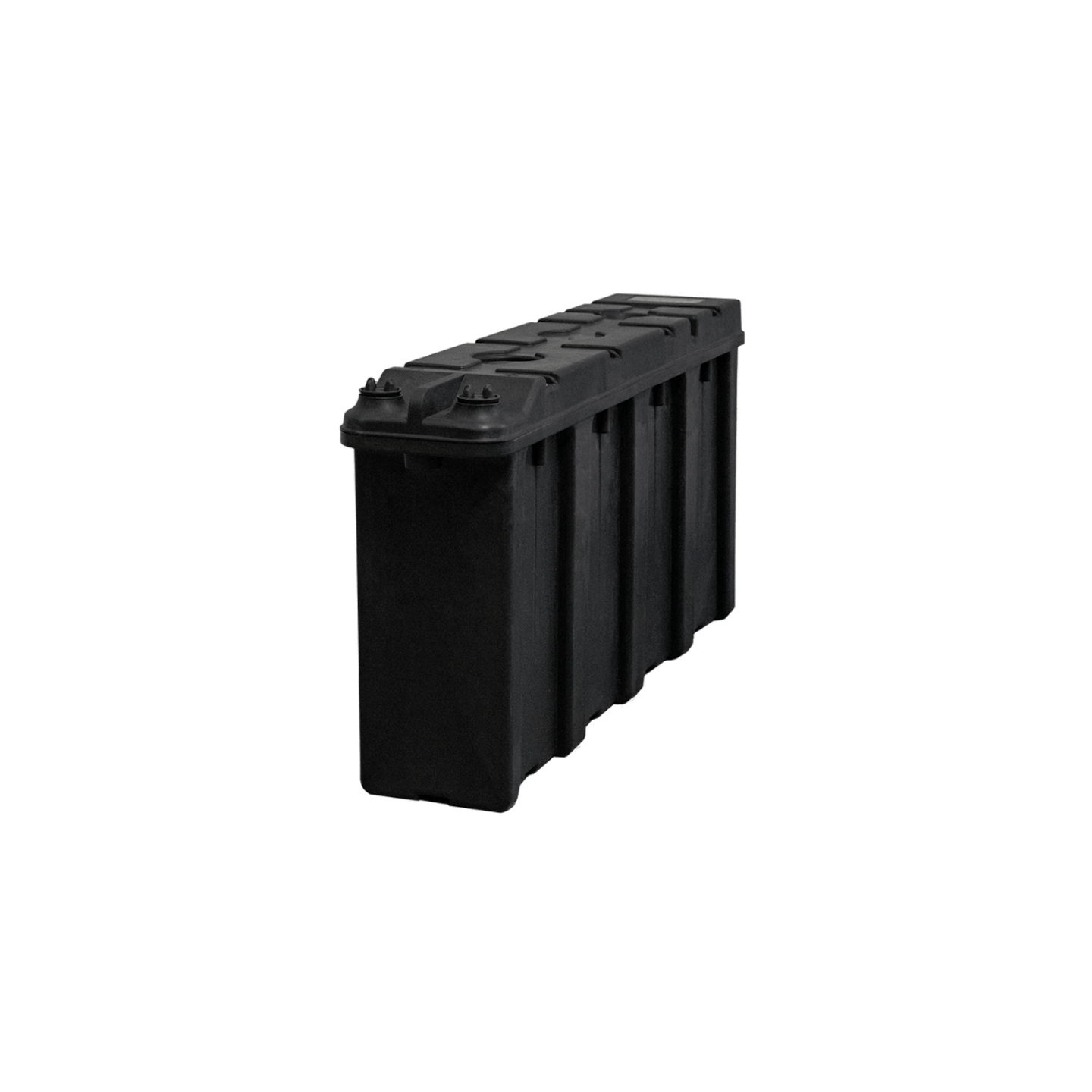
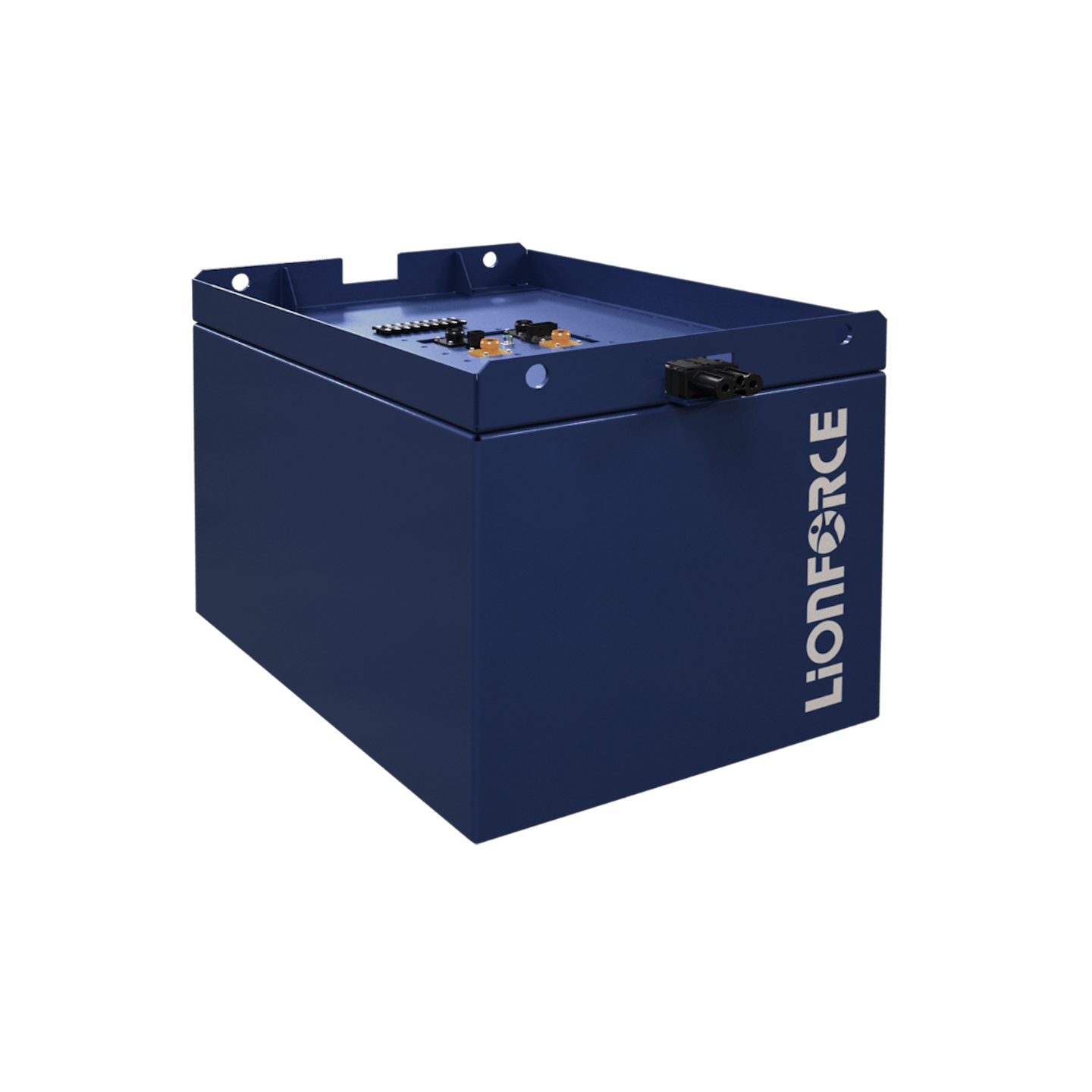
LiONFORCE TC100
Engineered for demanding industrial applications.
LiONFORCE TP120
The ideal solution for low demand applications.
LiONFORCE TP200
Optimized power for every truck.


Frequently Asked Questions
Does my device automatically send data to the cloud?
Our IBG devices of series 8 only send data to the cloud if the respective functionality has been ordered and configured. The 8.1 version only send data if Wi-Fi has also been set up. The 8.2 version only send data if we have activated the eSIM.
How is the LTE connection activated?
Once you have purchased version 8.2, we will activate the built-in eSIM for you. The device should then automatically establish an LTE connection to the cloud within a few minutes.
What do the LEDs on the device mean?
Please refer to the user manual, Chapter 4.1 for IBG 8.
Can I set up an alarm?
Yes, with our IoT solutions, you can set alarms for a wide range of measured values and receive notifications via email.
What do the symbols in the top right corner of the screen mean?
Please refer to the user manual, Chapter 4.2 and following.
Why does the display show “CAN Error”?
Either there is a current communication issue (e.g., defective cable), or no battery is connected to the display yet.
Can the device perform the same functions as the IBG 8?
The IBG7 series is a value version of the IBG 8 series. It has the same connectivity options like the IBG8 but without a display. This makes it a perfect fit for applications where no (additional) display is needed in the vehicle to show battery information. The IBG7 is currently in development, so stay tuned to not miss the go live.
Which product variants are available?
The available variants are 8.0, 8.1, and 8.2.
Which variants include a display?
Variants 8.0, 8.1 and 8.2 do have a display. All IBG series 7 devices don't have a display.
Which variants support Wi-Fi?
Only variants 8.1 and 8.2 support Wi-Fi. The variant 8.0 does not include Wi-Fi connectivity.
Which variants support LTE?
Only 8.2 supports LTE connectivity. Please reach out to your contact person to explore your upgrade options for this.